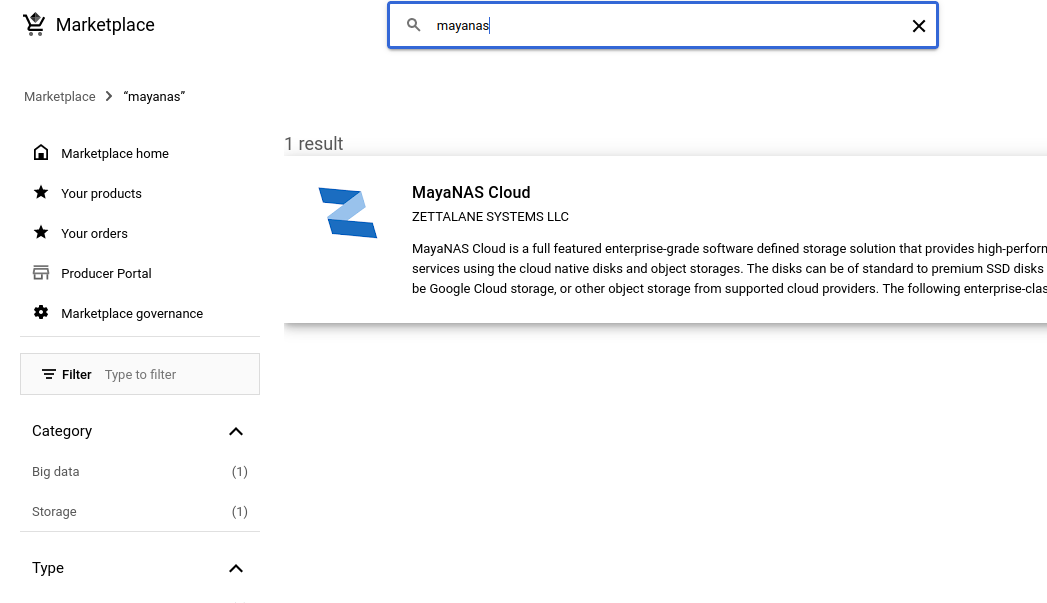
Launch MayaNAS from Google Cloud Marketplace
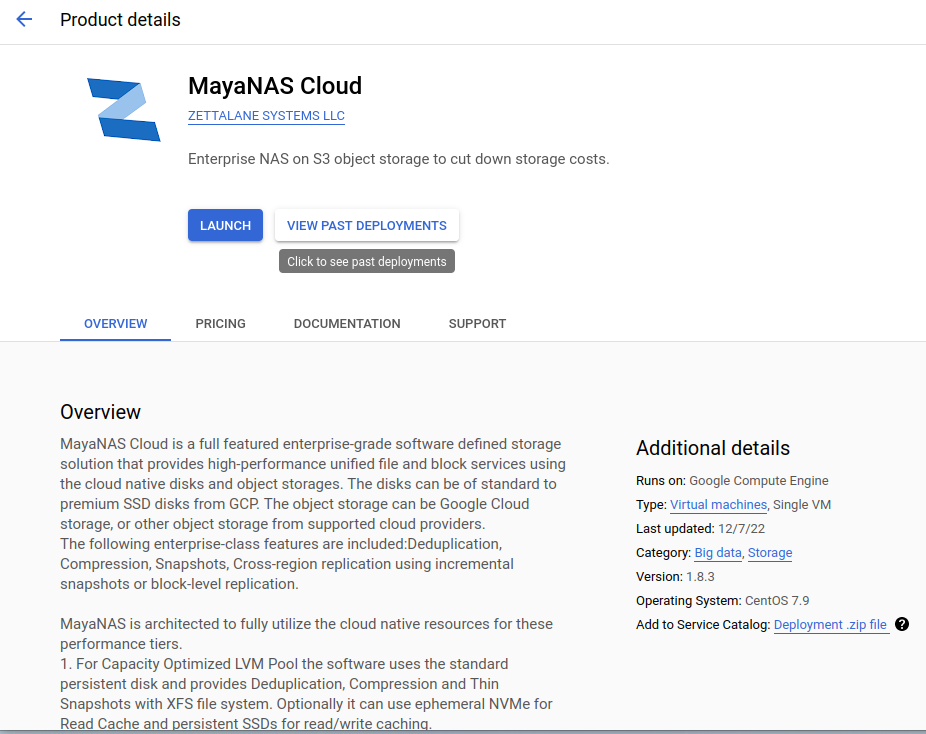
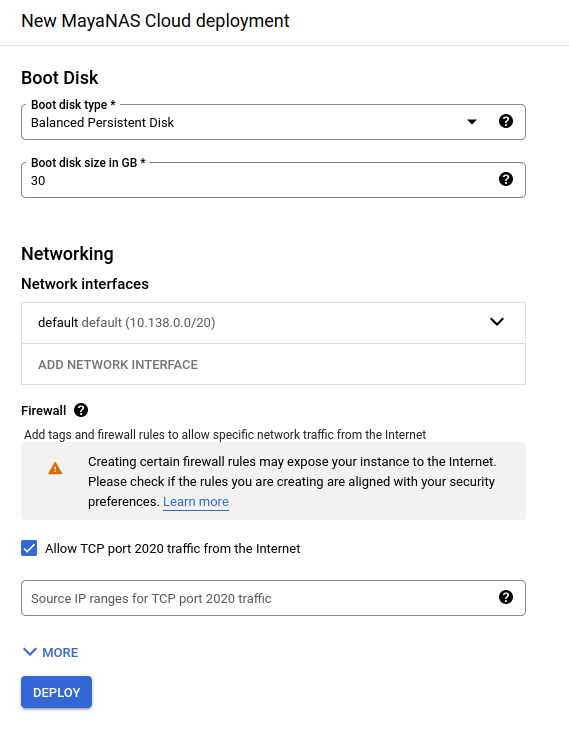
Fill in the deployment details
- Deployment name
- Zone
- Machine series and type
Click Deploy
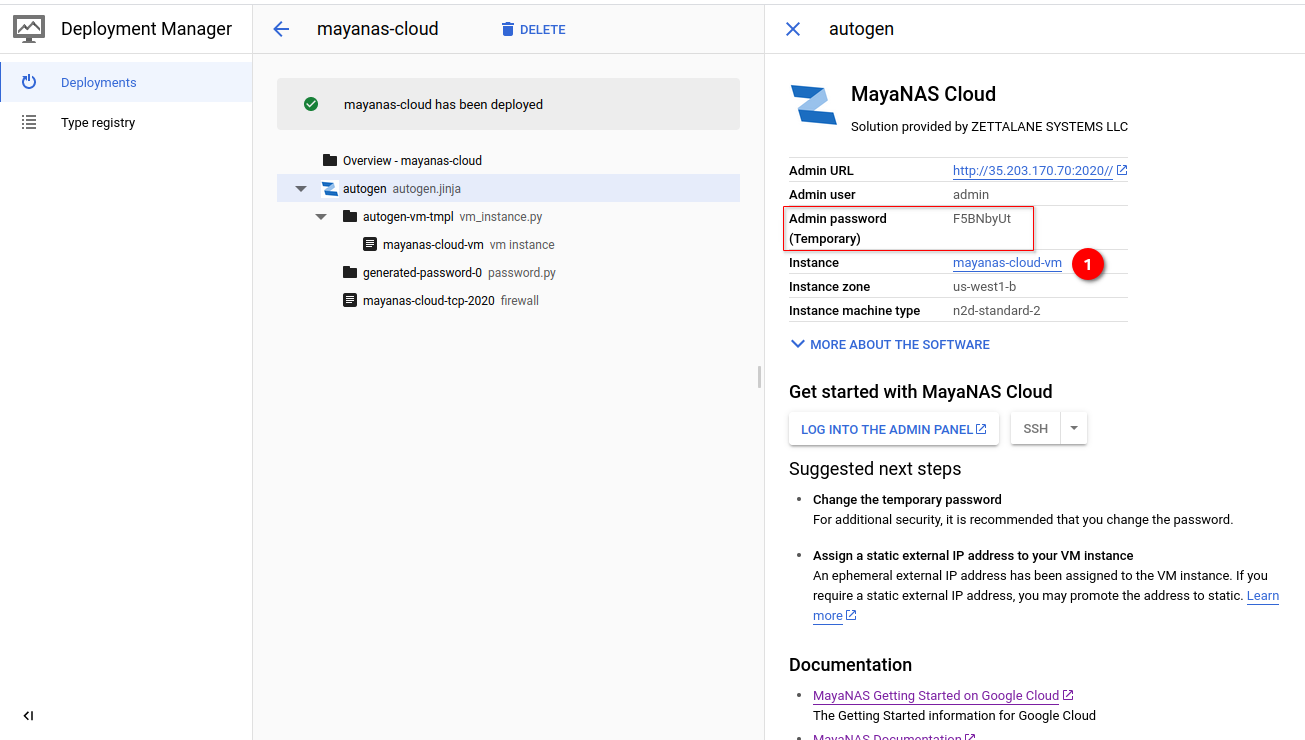
Wait for deployment to finish and generate temporary password to access the Admin Console
Click on Instance link to add Disks
The instance will be running with the default Service Account and lacks permission for HA role. Create new service account for MayaNAS HA configuration and attach as described in the next steps.