
MayaScale utilizes instances with local NVMe devices and provides robust NVMe over Fabrics platform to clients that support NVMe/TCP. Deploy MayaScale in 2-node HA configuration if the NVMe devices are temporary storage devices to safe guard against data loss in the event of interuption.
| Table of Contents |
|---|
Storage Optimized Instances
Choose storage optimized virtual machine (VM) sizes Lsv3, Lasv3, and Lsv2-series that feature high-throughput, low latency, and directly mapped local NVMe storage. These VM series come in sizes from 8 to 80 vCPU. There are 8 GiB of memory per vCPU, and one 1.92TB NVMe SSD device per 8 vCPUs, with up to 19.2TB (10x1.92TB) available on the largest VM sizes. Since these local NVMe disks are ephemeral, data will be lost on these disks if you stop/deallocate your VM but MayaScale in 2-node HA solves this problem.
Service Principal Account
...
Connect to Mayascale Web Console
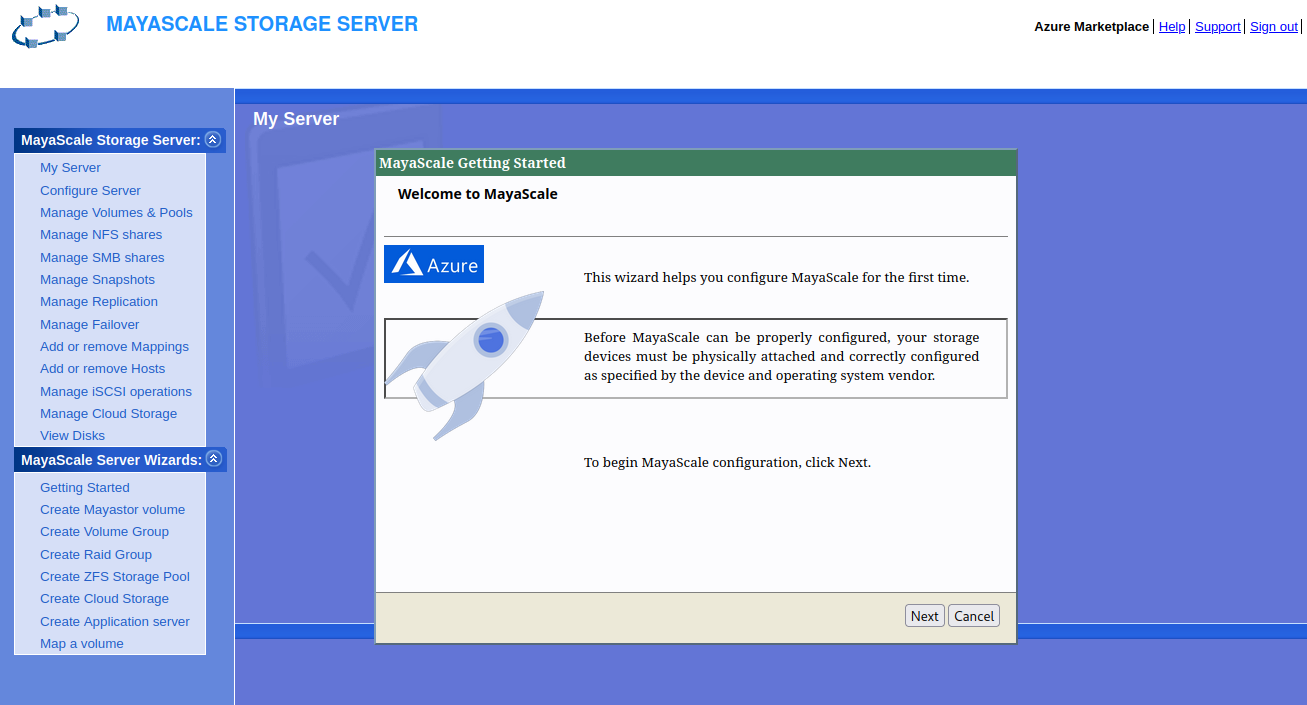
Now you can proceed with High-Availability setup using the Getting Started wizard from Administration Web console available on http://<mayascale1-ip>:2020
| Tip |
|---|
To avoid public network exposure of port 2020 it is recommended to use ssh tunneling with port forwarding as follows ssh -i ~/.ssh/mayascale.pem azureuser@<mayascale1-public-ip> -L 2020:localhost:2020 |
Next proceed to Configure MayaScale